GAME NOTE 01
Start from the title menu
This project opens with Play and Options. Use the arrow keys to choose an entry and Z to confirm.
01•STATUS READY
Challenge Undyne the Undying in tripoid’s UNDERTALE fan recreation. Choose Play, navigate your commands and face the spear-wielding heroine.
Different opponents. Their own controls. Pick a game to begin.
Play Deltarune Fight Simulator online with Scube3000’s Battle Simulator V4. Start the browser game below, choose your controls and create or load a profile.
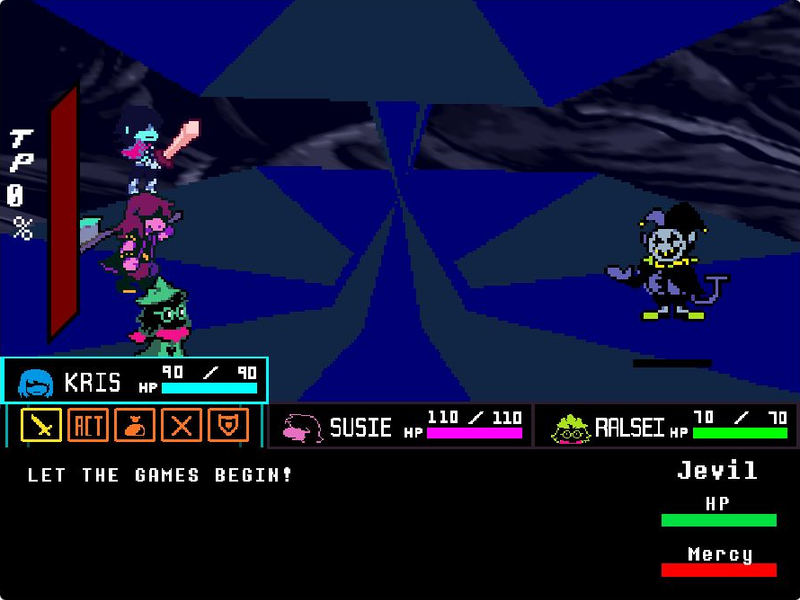
Step into Jevil’s arena with Kris, Susie and Ralsei. Play tripoid’s fan-made battle, choose your party’s actions and dodge the chaos.
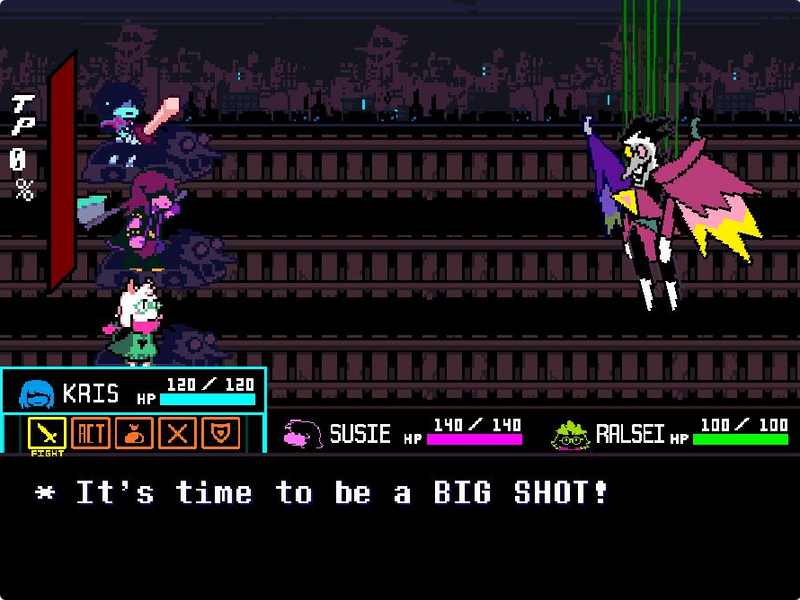
Take on Spamton NEO in The_CommanderRS’s fan recreation. Navigate party commands, move your soul and fire with Z.
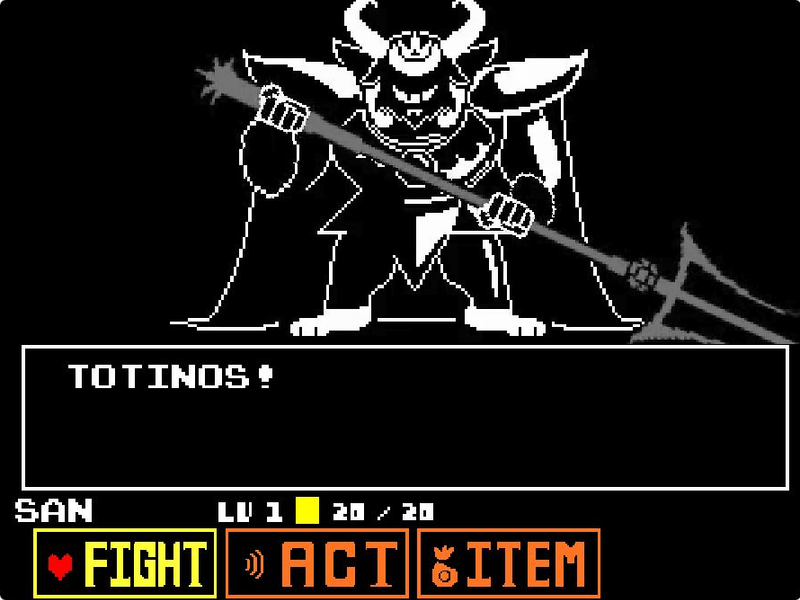
Face Asgore in eekeekturtle’s UNDERTALE fan battle. Choose a command, time your attack and move through the next pattern.
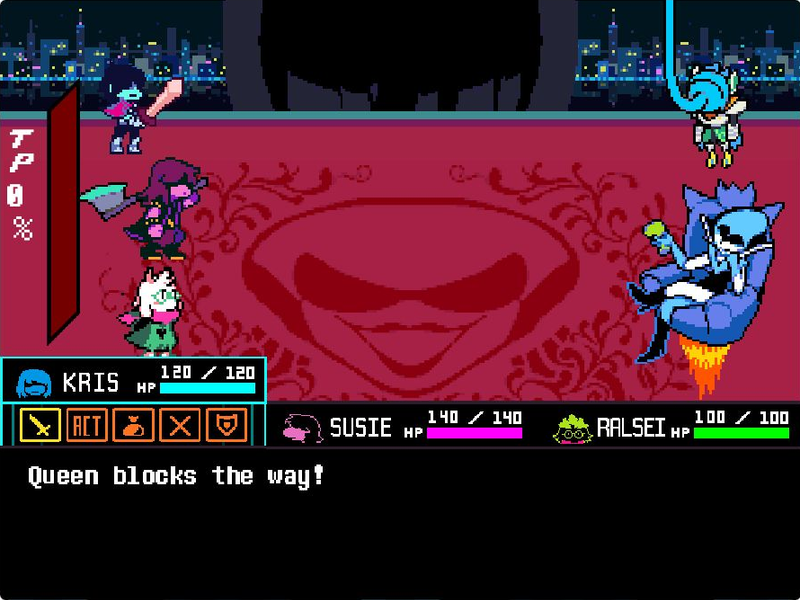
Face Queen and Berdly with Kris, Susie and Ralsei in tripoid’s fan battle. Pick your party’s commands and dodge the next attack.
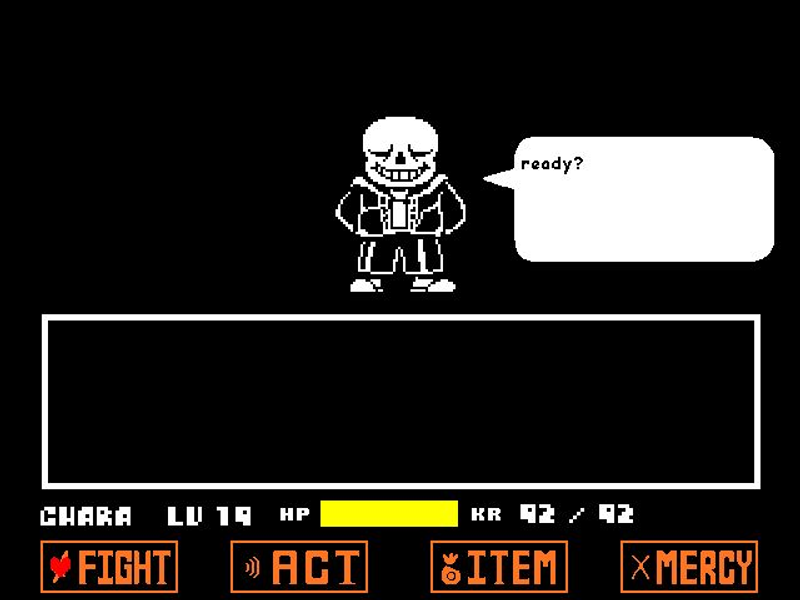
Play Jcw87’s Bad Time Simulator. Face Sans or choose Practice and Single attack modes to work on the encounter one attempt at a time.
A desktop or laptop with a physical keyboard is recommended. This page does not add touch buttons to the original game; fullscreen changes the viewing area, not the controls.
Click the green flag and wait for the UNDERTALE title screen. Click the game to give it keyboard focus.
Highlight Play with the arrow keys and press Z. Options is a separate title-menu entry; use the game’s prompts if you choose to inspect it first.
Navigate the battle commands with the arrow keys, confirm with Z and cancel with X. Check your HP before taking the next action.
Follow the enemy-turn cues and use the direction keys to respond. If you use the page’s Reload button, you will return to the project’s starting screen.
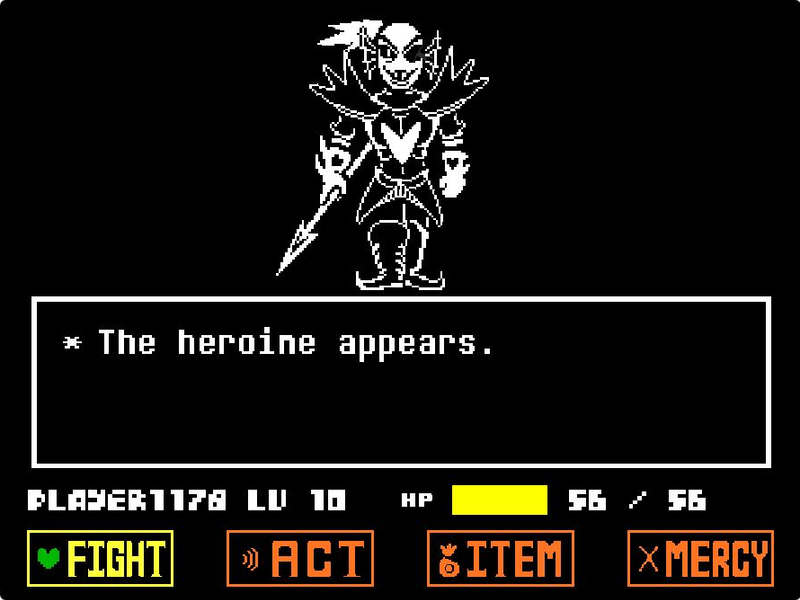
Undyne the Undying above the player’s battle command menu
This is the Undyne the Undying fan encounter, not a full UNDERTALE playthrough. Start with the creator’s three listed controls: arrow keys, Z and X.
This project opens with Play and Options. Use the arrow keys to choose an entry and Z to confirm.
This UNDERTALE recreation uses a single player HP display and FIGHT, ACT, ITEM and MERCY commands instead of a three-character party.
Watch the soul and battle area when the enemy’s turn begins. Use the direction keys and follow the game’s on-screen cues.

Undyne the Undying Fight is Scratch project 669974432 by tripoid. This page provides a TurboWarp player and a short guide to the project’s title menu and keyboard controls.
The author credits Toby Fox for music, sounds and the concept, and Temmie Chang and Toby Fox for sprites. It is labeled UNDERTALE to distinguish it from the DELTARUNE games on this site. Neither this page nor the fan project is an official release.
The project is Undyne the Undying Fight by tripoid, Scratch project 669974432. Open the original project link for the creator’s instructions and credits.
After clicking the green flag, focus the game, highlight Play with the arrow keys and press Z. The title menu also includes Options.
The creator lists the arrow keys for movement and menu navigation, Z to select, and X to cancel. Click inside the player if the keyboard does not respond.
No. This is a standalone fan recreation of an UNDERTALE encounter. It is included here as a related battle and has its own UNDERTALE label.
This site does not back up the current attempt. Reloading the embedded player starts the project again. A physical keyboard is recommended for play.