GAME NOTE 01
Move and fire
Z is both the confirm key and the shooting key during attack phases. Its role depends on whether you are in a menu or controlling your soul.
01•STATUS READY
Take on Spamton NEO in The_CommanderRS’s fan recreation. Navigate party commands, move your soul and fire with Z.
Different opponents. Their own controls. Pick a game to begin.
Play Deltarune Fight Simulator online with Scube3000’s Battle Simulator V4. Start the browser game below, choose your controls and create or load a profile.
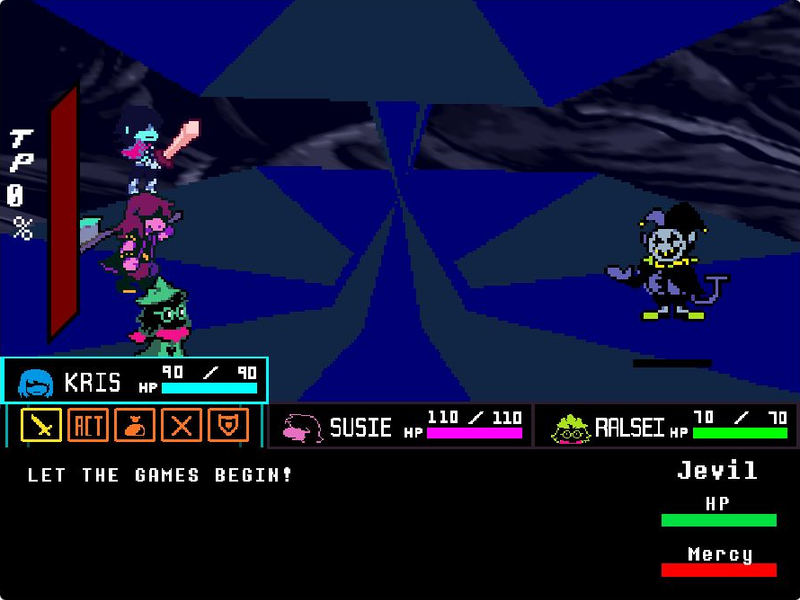
Step into Jevil’s arena with Kris, Susie and Ralsei. Play tripoid’s fan-made battle, choose your party’s actions and dodge the chaos.
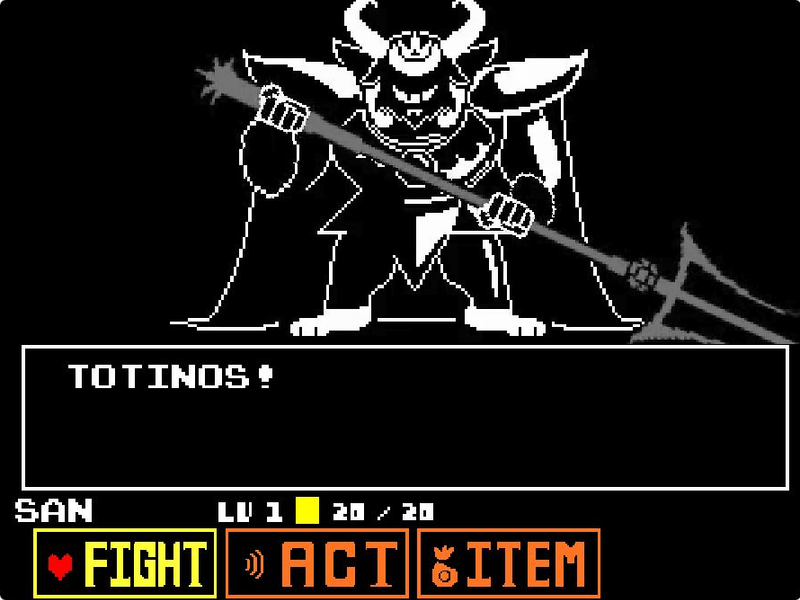
Face Asgore in eekeekturtle’s UNDERTALE fan battle. Choose a command, time your attack and move through the next pattern.
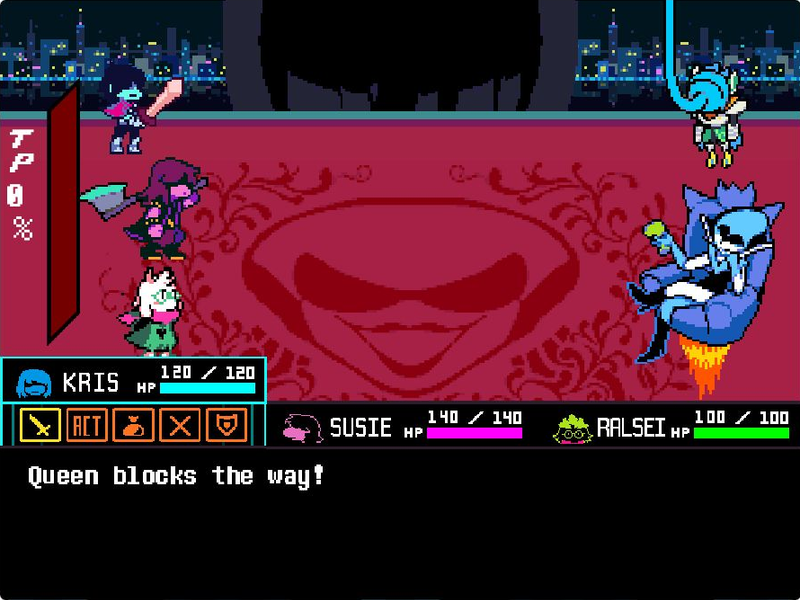
Face Queen and Berdly with Kris, Susie and Ralsei in tripoid’s fan battle. Pick your party’s commands and dodge the next attack.
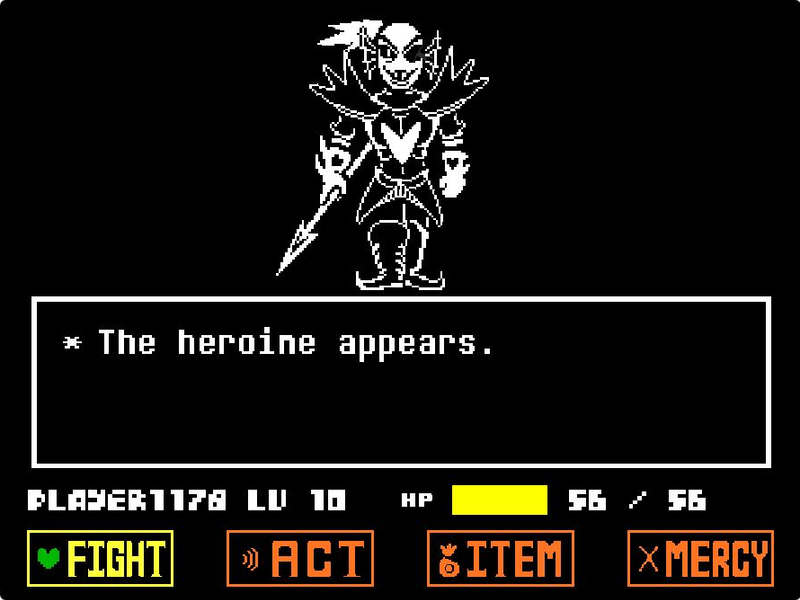
Challenge Undyne the Undying in tripoid’s UNDERTALE fan recreation. Choose Play, navigate your commands and face the spear-wielding heroine.
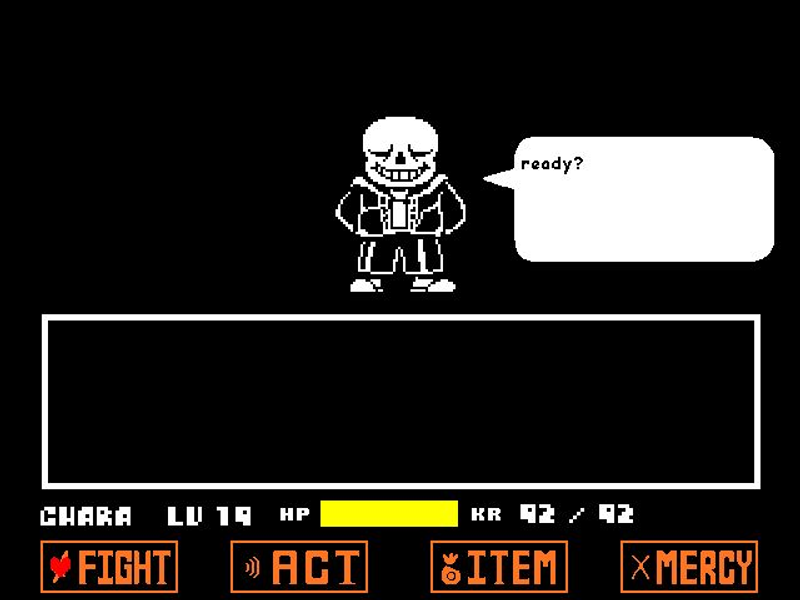
Play Jcw87’s Bad Time Simulator. Face Sans or choose Practice and Single attack modes to work on the encounter one attempt at a time.
Use a desktop or laptop with a keyboard. This project’s instructions use physical keys; this page does not add touch controls. A phone or tablet without a keyboard is not recommended.
Click the green flag to start the project, then click the game area for keyboard focus. Follow the opening dialogue; C advances dialogue quickly.
Use the arrow keys to navigate the party’s commands. Press Z to confirm and X to back out of a menu choice.
When an attack phase gives you control of your soul, use the arrow keys to move and Z to fire. X slows movement for smaller adjustments.
Keep an eye on all three party members’ HP. The creator states that losing every party member ends the attempt. Reloading from this page restarts the whole project.
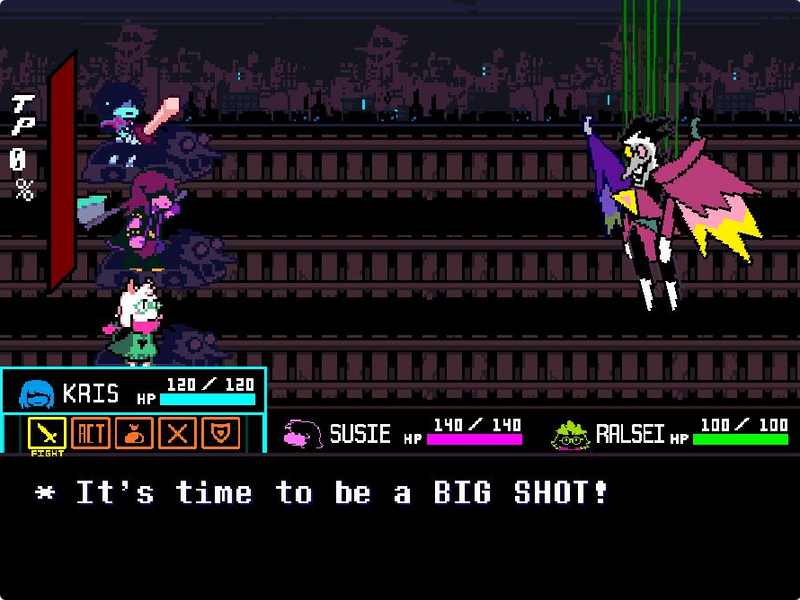
Spamton NEO facing the party above a rail-track battle interface
The same key can have different jobs: Z confirms menu choices and fires during shooting phases. Check the current screen before pressing it.
Z is both the confirm key and the shooting key during attack phases. Its role depends on whether you are in a menu or controlling your soul.
The creator’s instructions say the attempt ends when every party member reaches zero HP. Watch the individual health bars between turns.
Use X to skip text typing and C to move through dialogue quickly. Click inside the player first so these inputs reach the game.

This page features Spamton Neo Fight Recreate, Scratch project 950049447 published by The_CommanderRS. TurboWarp runs the project inside the browser player. Its controls and dialogue shortcuts are specific to this recreation.
The original project credits the DELTARUNE team. DELTARUNE and its characters belong to their respective creators; this fan project and this site are not official releases. Open the source link for the creator’s notes and complete credits.
The embedded project is Spamton Neo Fight Recreate by The_CommanderRS, Scratch project 950049447. It is a standalone fan recreation, separate from the homepage’s Battle Simulator V4.
Press Z during the game’s shooting phases. Use the arrow keys to move your soul. Z also confirms menu choices, so its action changes with the current screen.
The creator lists X for skipping text typing and C for advancing dialogue quickly. Click inside the game first to give it keyboard focus.
No. This project’s instructions use a physical keyboard. For reliable input, play on a desktop or laptop; this page does not add touch controls to the original game.
Allow time for the project’s assets to load, then press the green flag inside the player. If the game remains blank, try Reload or open the original Scratch project. Reload discards the current attempt.