GAME NOTE 01
Normal or Practice
Both modes appear on the starting menu. Select the one you want before entering the encounter.
01•STATUS READY
Play Jcw87’s Bad Time Simulator. Face Sans or choose Practice and Single attack modes to work on the encounter one attempt at a time.
Different opponents. Their own controls. Pick a game to begin.
Play Deltarune Fight Simulator online with Scube3000’s Battle Simulator V4. Start the browser game below, choose your controls and create or load a profile.
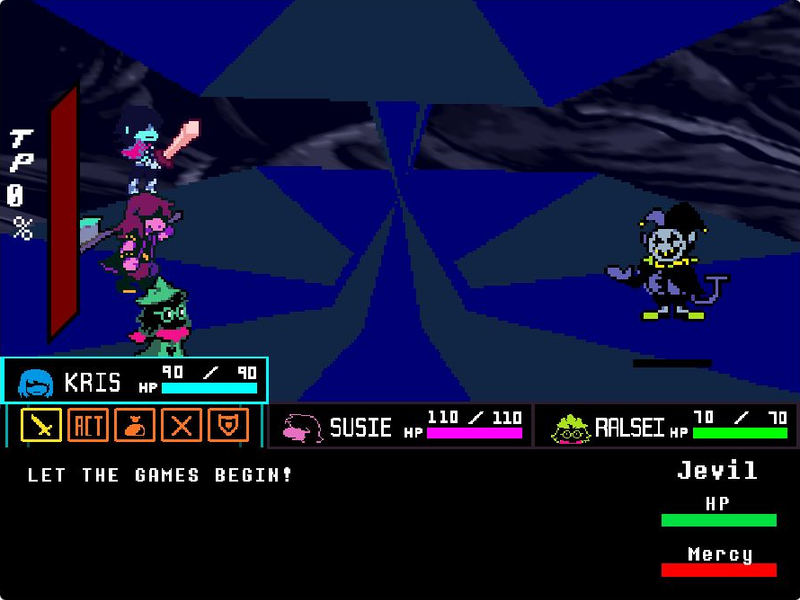
Step into Jevil’s arena with Kris, Susie and Ralsei. Play tripoid’s fan-made battle, choose your party’s actions and dodge the chaos.
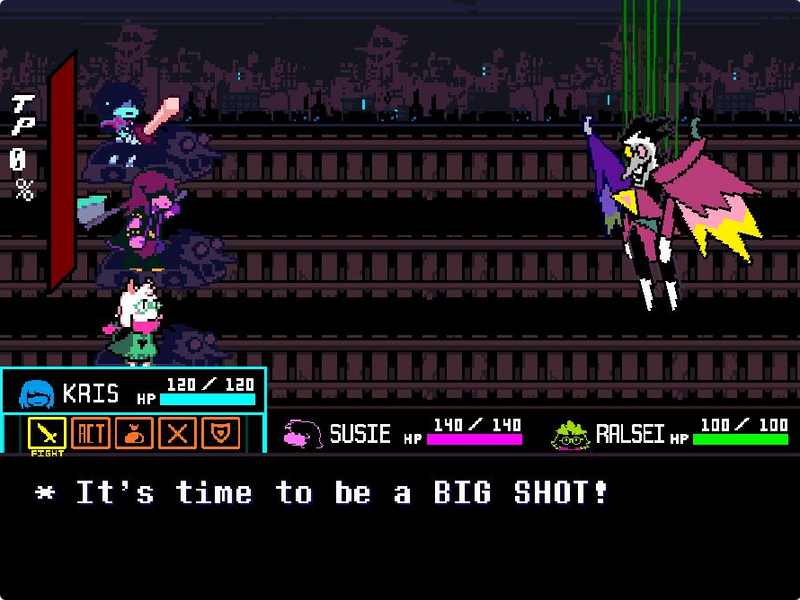
Take on Spamton NEO in The_CommanderRS’s fan recreation. Navigate party commands, move your soul and fire with Z.
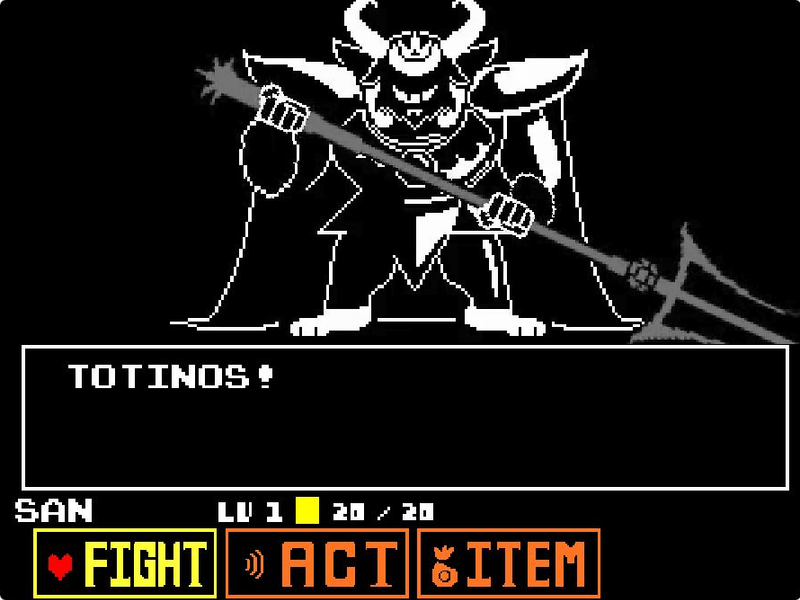
Face Asgore in eekeekturtle’s UNDERTALE fan battle. Choose a command, time your attack and move through the next pattern.
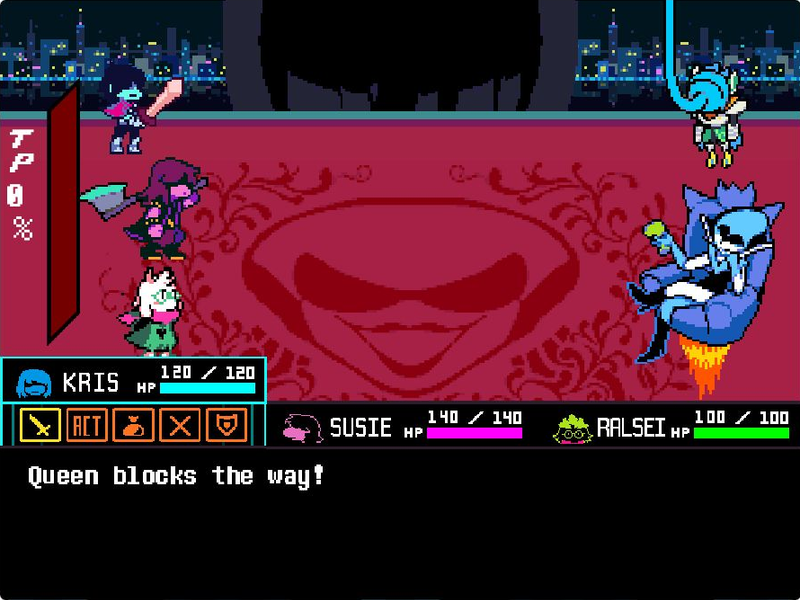
Face Queen and Berdly with Kris, Susie and Ralsei in tripoid’s fan battle. Pick your party’s commands and dodge the next attack.
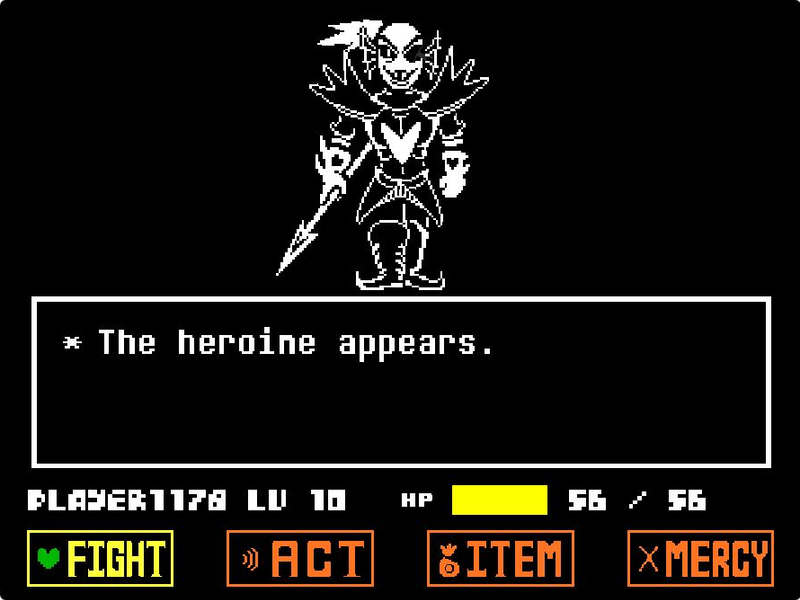
Challenge Undyne the Undying in tripoid’s UNDERTALE fan recreation. Choose Play, navigate your commands and face the spear-wielding heroine.
A desktop or laptop with a physical keyboard is recommended. This page does not add touch buttons to the original game; fullscreen changes the viewing area, not the controls.
Wait for the menu headed Select your bad time, then click inside the player. This game opens directly; it does not have a Scratch green-flag button.
Use the arrow keys to highlight Normal, Practice or another available mode. Press Z to select.
Follow the opening prompt and use Z to continue. When battle commands are available, use the arrow keys to choose and Z to confirm.
Use the direction keys to move your soul during attacks and pay attention when its movement changes. Reloading the player returns you to the start and loses the current attempt.
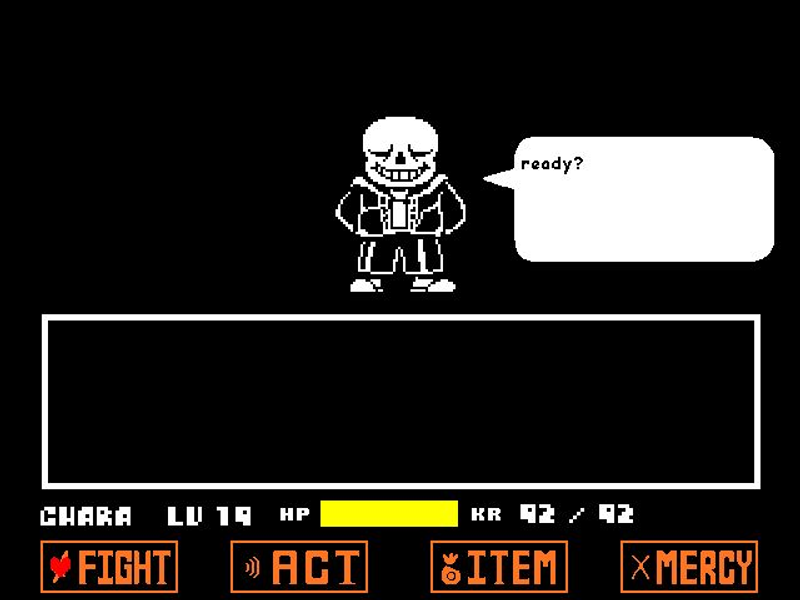
Sans above the soul arena in Jcw87’s Bad Time Simulator
This player comes directly from Jcw87’s GitHub Pages build. Use the on-screen mode menu to start; the green-flag instructions for Scratch games do not apply.
Both modes appear on the starting menu. Select the one you want before entering the encounter.
The mode menu also includes Endless, Single attack and Custom attack. The source repository links to a guide for custom attacks.
The author describes this as a Construct 2 clone of the Sans fight and documents differences from the original game. Treat it as its own simulator.

Bad Time Simulator (Sans Fight) is Jcw87’s Construct 2 recreation of the Sans encounter from UNDERTALE. This page embeds the author’s GitHub Pages build and links to its source repository.
It is a standalone fan project, not the full UNDERTALE game. The repository documents known differences, including hitbox and attack behavior. UNDERTALE and its original characters belong to their respective creators; this site is not affiliated with Toby Fox or Jcw87.
Yes. This page embeds Jcw87’s Bad Time Simulator (Sans Fight) from the author’s GitHub Pages address. The source link opens the original repository.
There is no Scratch green flag in this game. Wait for the mode menu, click inside the player, use the arrow keys to choose a mode and press Z.
The starting menu offers Normal, Practice, Endless, Single attack and Custom attack. The original repository contains a link to the custom-attacks guide.
It is a fan recreation. The author documents known differences in hitboxes and some attack behavior, so it should not be presented as a frame-perfect copy of UNDERTALE.
A physical keyboard is recommended. This page does not add touch controls. If keys stop responding after using a page link, click inside the game to restore focus.