GAME NOTE 01
Party commands
Kris, Susie and Ralsei each have a place in the battle interface. Check the highlighted character before confirming a command.
01•STATUS READY
Face Queen and Berdly with Kris, Susie and Ralsei in tripoid’s fan battle. Pick your party’s commands and dodge the next attack.
Different opponents. Their own controls. Pick a game to begin.
Play Deltarune Fight Simulator online with Scube3000’s Battle Simulator V4. Start the browser game below, choose your controls and create or load a profile.
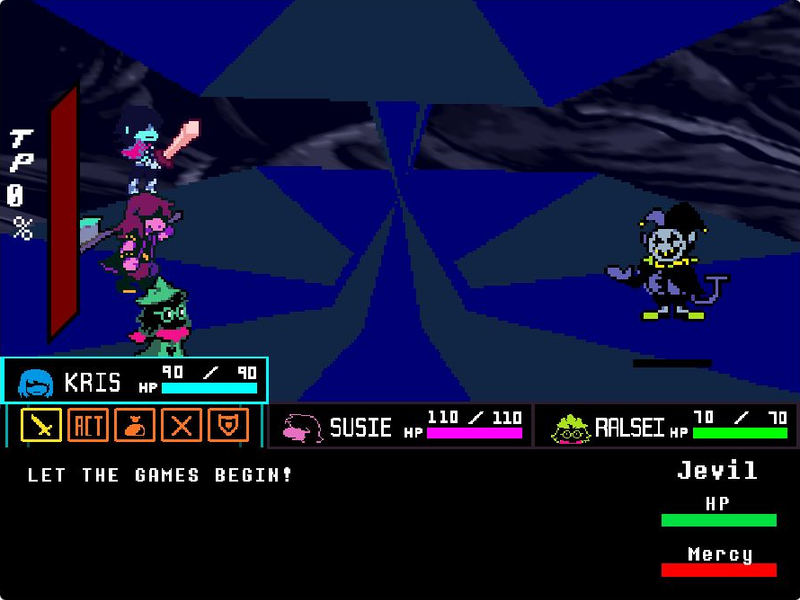
Step into Jevil’s arena with Kris, Susie and Ralsei. Play tripoid’s fan-made battle, choose your party’s actions and dodge the chaos.
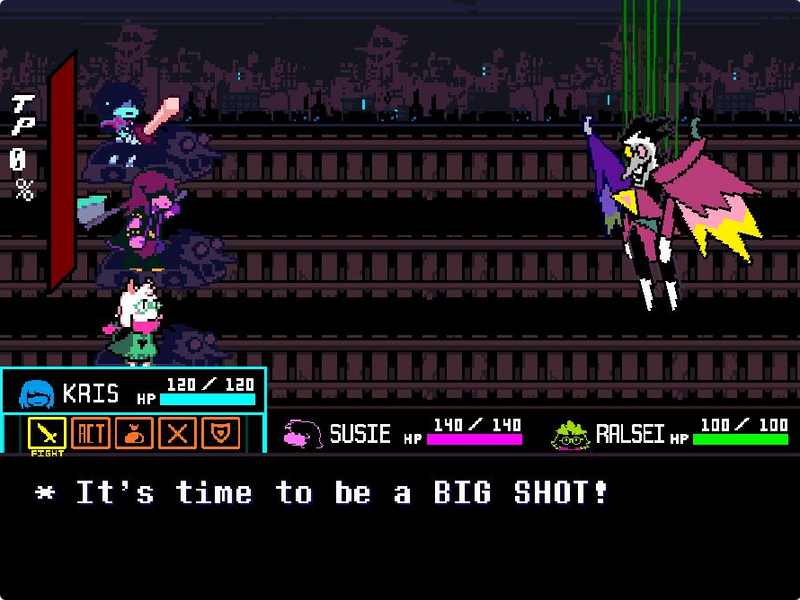
Take on Spamton NEO in The_CommanderRS’s fan recreation. Navigate party commands, move your soul and fire with Z.
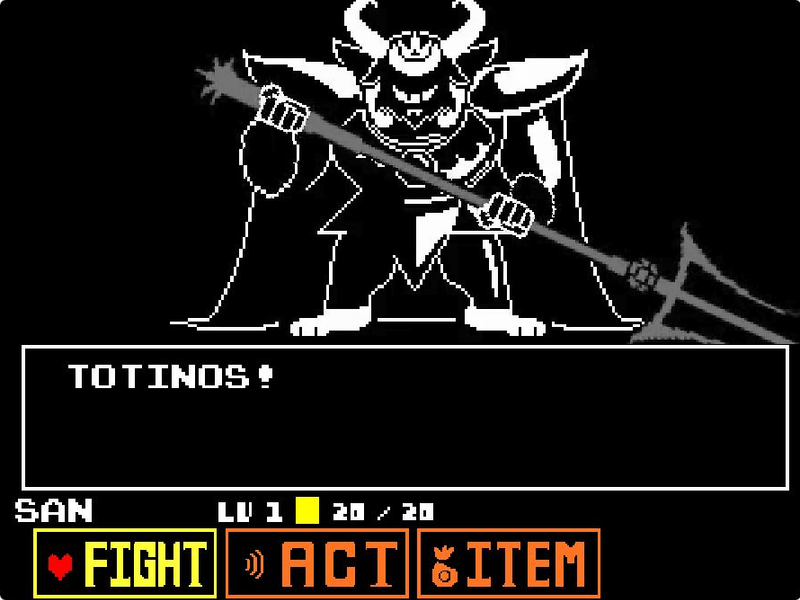
Face Asgore in eekeekturtle’s UNDERTALE fan battle. Choose a command, time your attack and move through the next pattern.
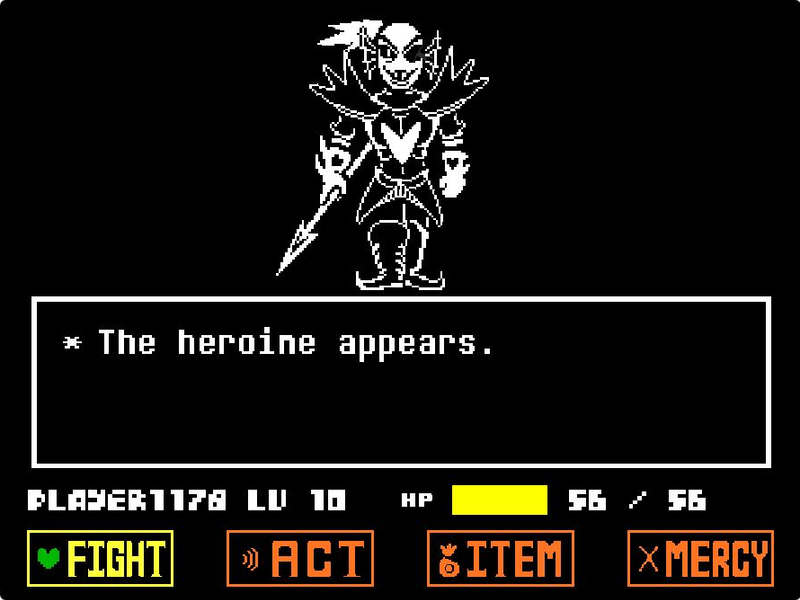
Challenge Undyne the Undying in tripoid’s UNDERTALE fan recreation. Choose Play, navigate your commands and face the spear-wielding heroine.
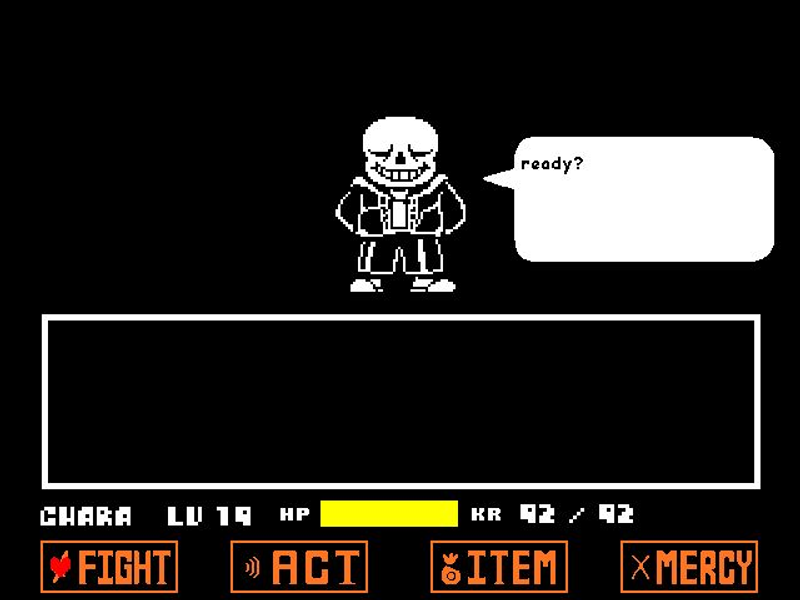
Play Jcw87’s Bad Time Simulator. Face Sans or choose Practice and Single attack modes to work on the encounter one attempt at a time.
A desktop or laptop with a physical keyboard is recommended. This page does not add touch buttons to the original game; fullscreen changes the viewing area, not the controls.
Click the green flag inside the player. Focus the game with a click, then watch the intro or press Q to skip it.
Use the arrow keys to navigate the battle menu and Z to confirm. Press X to cancel when you need to change a selection.
During enemy attacks, use the arrow keys to move your soul. The creator lists X for slower movement; use it for smaller adjustments.
Follow the game’s prompts between turns. Starting the project again or using this page’s Reload button discards your current attempt.
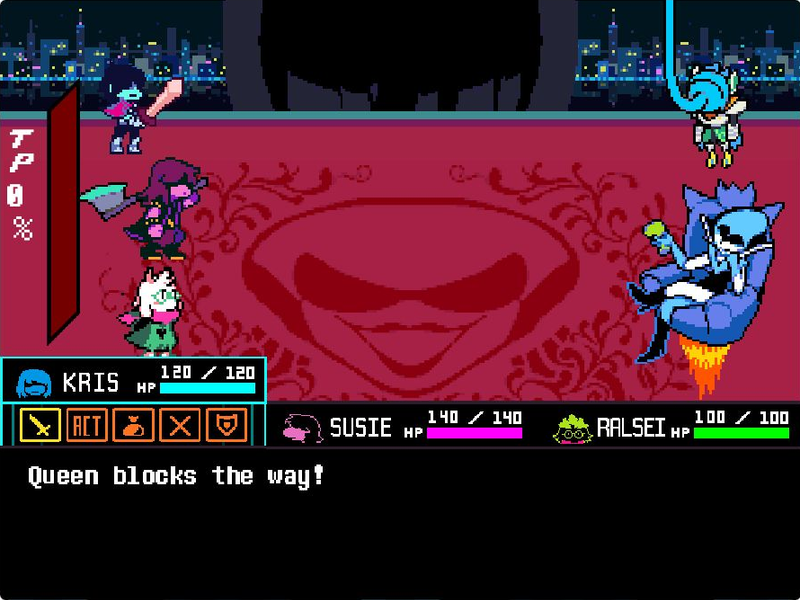
Queen and Berdly facing Kris, Susie and Ralsei in tripoid’s game
Q skips the intro; it does not replace a battle command. Click inside the game before using any keyboard shortcut.
Kris, Susie and Ralsei each have a place in the battle interface. Check the highlighted character before confirming a command.
Both Queen and Berdly appear in this recreation’s opening battle scene. Follow the available targets and prompts inside the game.
The author lists Q as an intro shortcut. It skips the opening sequence, while Reload restarts the entire project.

This page runs Queen Fight by tripoid, Scratch project 604681896, through TurboWarp. It is a standalone fan recreation with its own keyboard controls and party battle interface.
The original project credits Toby Fox for music, sounds and the concept, and Temmie Chang and Toby Fox for sprites. This is an independent fan site, not an official DELTARUNE release. Open the original project for the creator’s complete notes.
This is Queen Fight by tripoid, Scratch project 604681896. The opening battle shows Queen and Berdly facing the party. It is separate from Battle Simulator V4 on the homepage.
Start the project with the green flag, click inside the player, then press Q. The creator lists this shortcut in the original instructions.
Arrow keys move your soul and navigate menus. Z selects and advances dialogue. X cancels, slows movement and speeds up text, depending on the current screen.
No. Use a physical keyboard for the listed controls. The fullscreen button gives the game more space but does not add an on-screen D-pad.
No. It reloads the entire embedded project and discards the current attempt. This game does not use the homepage simulator’s profile-save workflow.