GAME NOTE 01
UNDERTALE fan game
This encounter is inspired by UNDERTALE. Its single-character battle interface differs from the three-member party used in the DELTARUNE games.
01•STATUS READY
Face Asgore in eekeekturtle’s UNDERTALE fan battle. Choose a command, time your attack and move through the next pattern.
Different opponents. Their own controls. Pick a game to begin.
Play Deltarune Fight Simulator online with Scube3000’s Battle Simulator V4. Start the browser game below, choose your controls and create or load a profile.
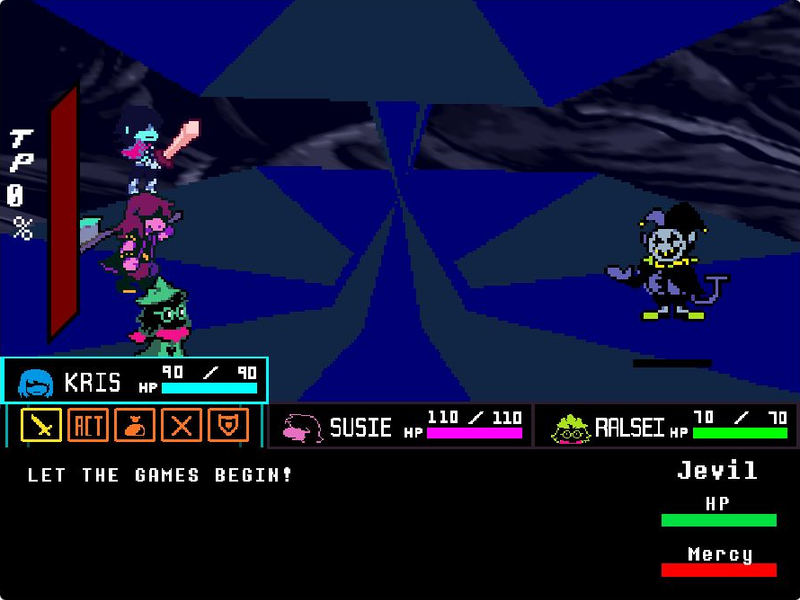
Step into Jevil’s arena with Kris, Susie and Ralsei. Play tripoid’s fan-made battle, choose your party’s actions and dodge the chaos.
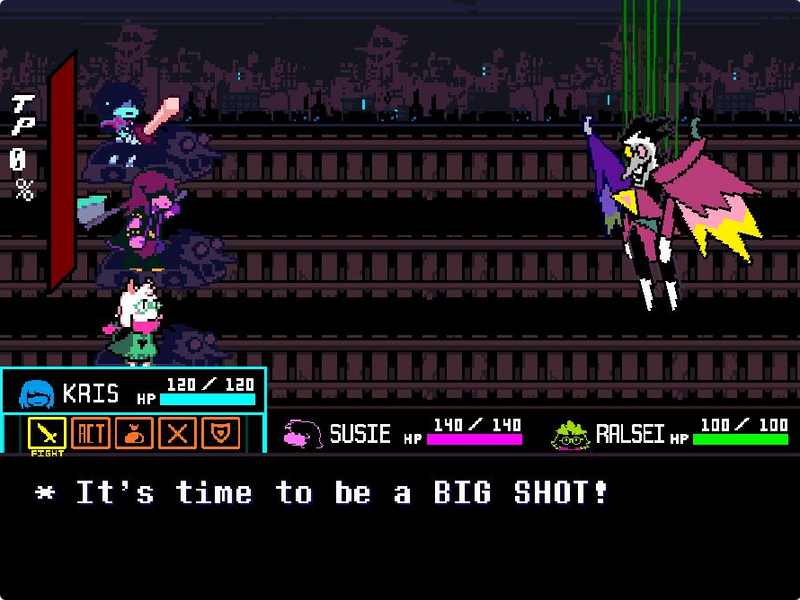
Take on Spamton NEO in The_CommanderRS’s fan recreation. Navigate party commands, move your soul and fire with Z.
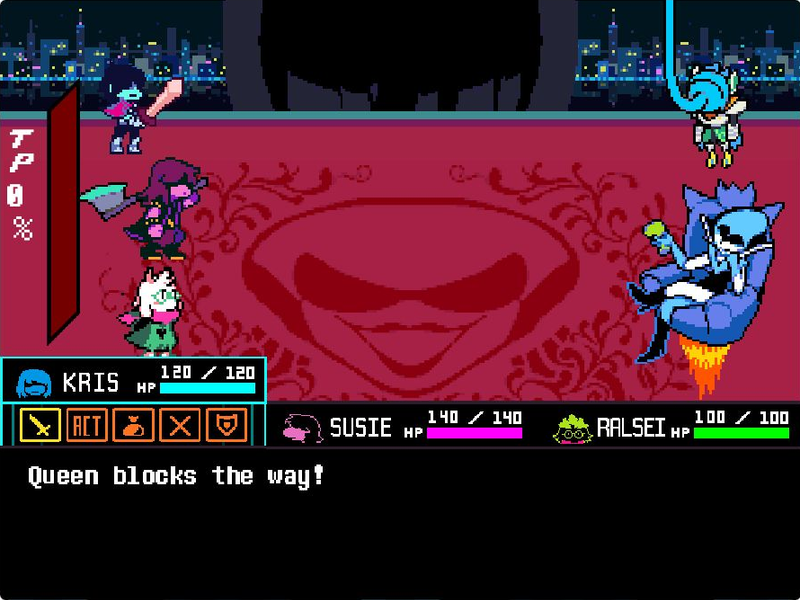
Face Queen and Berdly with Kris, Susie and Ralsei in tripoid’s fan battle. Pick your party’s commands and dodge the next attack.
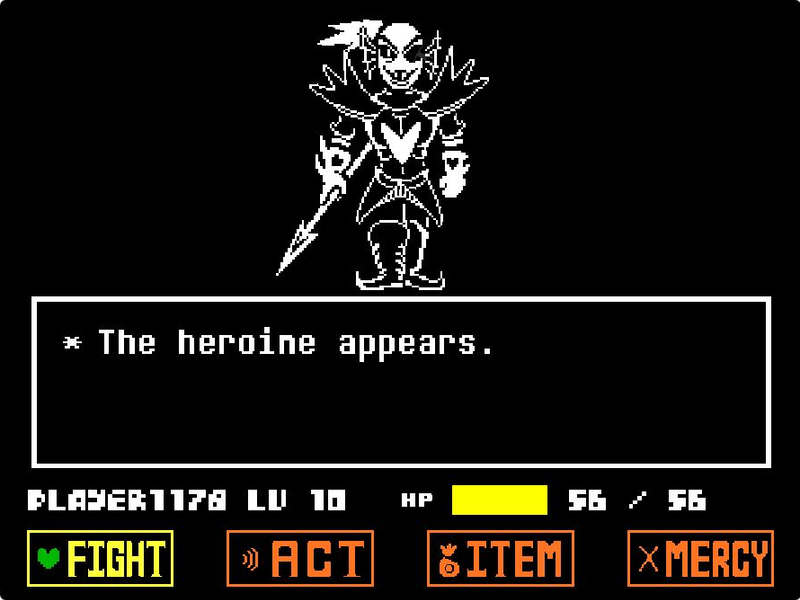
Challenge Undyne the Undying in tripoid’s UNDERTALE fan recreation. Choose Play, navigate your commands and face the spear-wielding heroine.
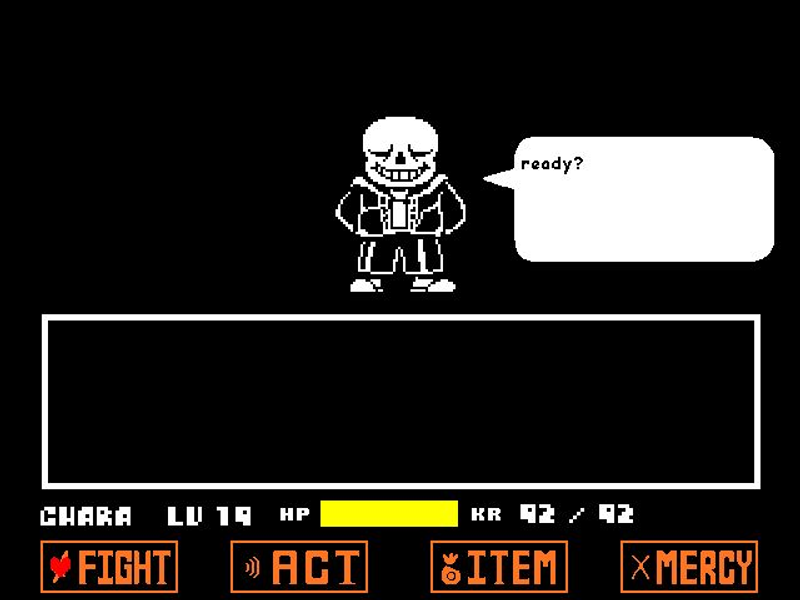
Play Jcw87’s Bad Time Simulator. Face Sans or choose Practice and Single attack modes to work on the encounter one attempt at a time.
Use a desktop or laptop with a keyboard. This project’s instructions use physical keys; this page does not add touch controls. A phone or tablet without a keyboard is not recommended.
Click the green flag inside the player to start. Click the game area so keyboard input reaches the battle. A normal start does not require holding any key.
Move between the on-screen commands using the arrow keys and press Z to choose. Read the game’s current text before confirming the next action.
If you select FIGHT, use Z when the attack marker reaches the position you want. During enemy attacks, use the arrow keys to move within the battle area.
For the creator’s hard mode, hold A while clicking the green flag. Starting again or using this page’s Reload button resets the current attempt.
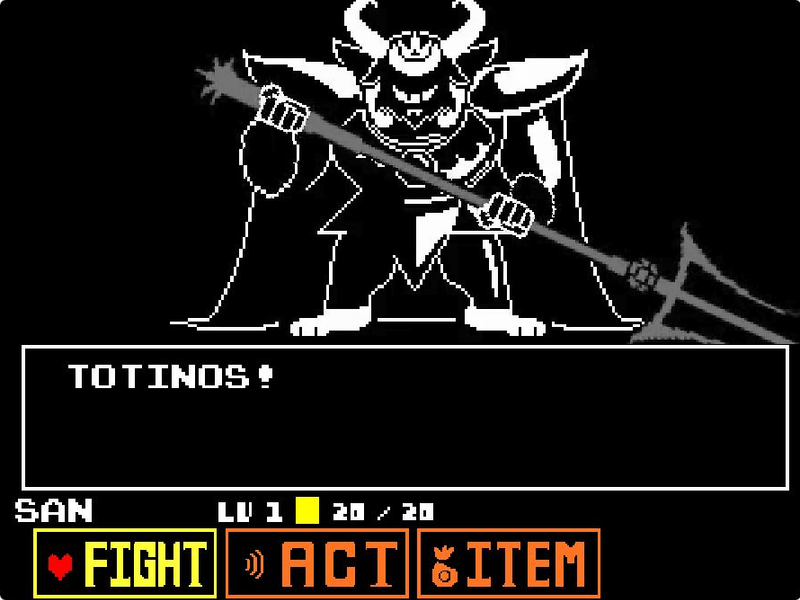
Asgore above the command menu in eekeekturtle’s fan recreation
This is a separate UNDERTALE fan project. Do not use V4 profile or save instructions here; follow this game’s own menus and controls.
This encounter is inspired by UNDERTALE. Its single-character battle interface differs from the three-member party used in the DELTARUNE games.
Choosing FIGHT opens an attack-timing bar. Press Z to stop the moving marker, then prepare for the enemy’s next turn.
The creator lists a startup shortcut: hold A while clicking the green flag. Try the normal start first to learn the keyboard controls.

This page embeds Undertale Asgore Fight, Scratch project 97858260 by eekeekturtle. It is a browser-playable fan recreation with its own presentation and details, not a copy of the full UNDERTALE game.
Asgore is an UNDERTALE character, so this page is labeled UNDERTALE even though it sits alongside our DELTARUNE games. The original project credits Toby Fox for its music. Use the source link for the author’s notes and credits. This site is not affiliated with Toby Fox.
No. Asgore’s encounter here is based on UNDERTALE. This site includes it as a related fan battle and labels it separately from its DELTARUNE games.
This is Undertale Asgore Fight by eekeekturtle, Scratch project 97858260, running through TurboWarp. It has its own fan-made details and is not the full official game.
Use the arrow keys to move and select options. Press Z to choose or confirm. Click inside the game first if the keys do not respond.
The creator’s instructions say to hold A while clicking the green flag. This starts the project again, so finish or abandon your current attempt before using it.
A physical keyboard is recommended. The creator lists keyboard controls, and this page does not supply touch buttons or guarantee phone compatibility.